
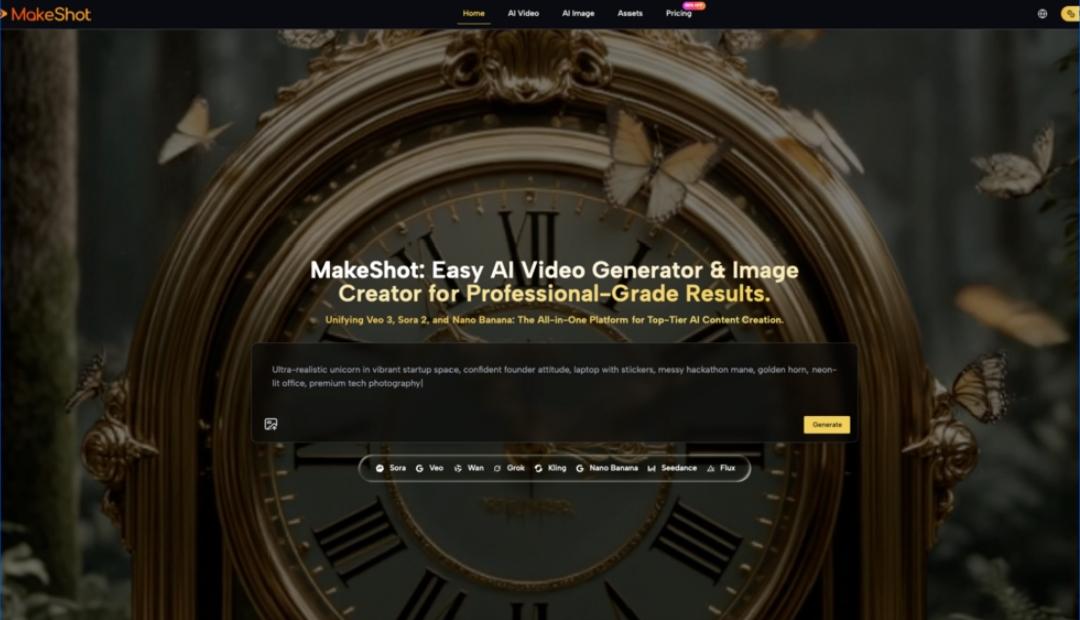
Starting with an AI Video Generator can feel oddly disorienting: the demos look effortless, but your first outputs might be off-tone, off-brand, or just… off. Makeshot (MakeShot.ai) is interesting here not because it “solves everything,” but because it puts multiple models—Veo 3, Sora 2, and image models like Nano Banana (often listed as Nano Banana Pro)—into one place, which makes learning through comparison much easier. Let’s unpack what early-stage adoption typically looks like, where beginners get stuck, and how to build a workflow that improves week by week.
What Makeshot Is (and Why That Matters When You’re New)
Beginners usually don’t fail because they “can’t prompt.” They struggle because they’re trying to learn three skills at once: directing visuals, managing production constraints, and judging quality like an editor.
Makeshot is positioned as an all-in-one AI studio: you can generate video with Veo 3 and Sora 2, and generate images with tools including Nano Banana / Nano Banana Pro, Grok, and Seedream—inside a unified interface with one asset library and side-by-side comparisons.
Why a unified tool changes the learning curve
When you’re learning an AI Video Generator, it helps to test the same concept across models instead of wondering whether your prompt is bad or the engine is mismatched.
- If Output A fails and Output B succeeds with the same inputs, you learn faster.
- If both fail similarly, you know the issue is likely direction, references, or expectations.
That feedback loop is the real “feature” for early-stage creators.
Beginner Expectations vs. Reality: The 4 Friction Points You’ll Hit First
The fastest way to enjoy an AI Video Generator is to expect iteration, not instant “final cut.” Here are the pain points that show up early (and what they usually mean).
1. “It didn’t follow my prompt.”
This is often less disobedience and more ambiguity.
- Prompts that mix story + camera + style + pacing + brand rules tend to produce compromises.
- Early wins come from one clear intent per generation: shot type + subject + action + setting + mood.
2. “The style keeps drifting.”
Consistency is a workflow problem, not just a model problem.
- Use reference images (Makeshot notes Nano Banana supports up to 4 reference images).
- Reuse phrasing for key attributes (wardrobe, lighting, lens language).
- Save “prompt chunks” like you’d save color grades or LUTs.
3. “It looks good, but it’s not usable.”
A common beginner trap is generating pretty clips that don’t fit a timeline.
Think in “edit-friendly” pieces:
- 2–5 second cutaways
- establishing shots
- product closeups
- simple action loops
This is also where an AI Image Creator becomes surprisingly practical: you can storyboard, lock style, and generate supporting assets before you burn time rendering videos.
4. “The audio doesn’t match.”
If you’re using Veo 3, one of its known strengths is native audio generation (dialogue, SFX, ambience) synced to the video. That can reduce your editing burden, but it still doesn’t remove the need to review pacing, clarity, and brand tone.
The mindset shift: treat audio as a first draft, not a finished mix.
A Practical Adoption Path (What to Do in Week 1, Week 2, Week 3)
Most people try to jump straight to “a full commercial.” That’s like learning to cook by hosting a wedding.
Here’s a calmer ramp-up that works well for beginners using an AI Video Generator and AI Image Creator together.
Week 1: Build a tiny “repeatable scene”
Pick one scenario you can reuse: a product on a table, a person walking through a space, a simple demo shot.
Your goal is not variety—it’s control.
Checklist:
- Define one visual style (lighting + mood + realism level)
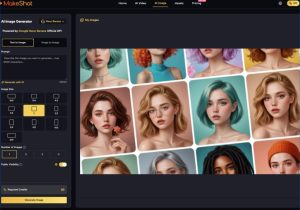
- Generate 6–12 images with an AI Image Creator to find the look
- Pick the best 2–3 as references
- Generate short video variations (not one long sequence)
Week 2: Compare models on the same brief
Makeshot’s side-by-side approach helps here: run the same creative brief in Sora 2 and Veo 3.
A simple comparison lens:
| What you’re testing | Try Sora 2 | Try Veo 3 |
| Story-like scenes, cinematic intent | Strong fit for cinematic storytelling | Can work, but test carefully |
| Realistic moments + synced sound | Possible, depends on setup | Often a better fit due to native audio |
| Short ad-style clips | Good for controlled sequences | Good when sound design matters |
Close the loop by writing down why one output is closer to usable. That note becomes your internal playbook.
Week 3: Turn experiments into a workflow
Now you graduate from “prompting” to “production.”
- Create a prompt template (variables for product, setting, mood, CTA)
- Save reference sets for recurring characters or brand styles
- Build an asset library of “usable parts” (intros, transitions, b-roll, backgrounds)
This is where Nano Banana Pro (i.e., Nano Banana in “pro” usage contexts) can be handy for consistent, realistic product imagery—then your AI Video Generator work inherits a stable visual direction.
My Early Learning Moment: The First Outputs Were ‘Cool’ but Not ‘Editable’
The first time I tried to use an AI Video Generator for a real deliverable, I got clips that looked impressive in isolation—but they didn’t cut together. The lighting shifted, the subject’s proportions changed slightly between shots, and the pacing didn’t match a voiceover I had in mind.
What fixed it wasn’t a magical prompt. It was switching to an editor’s mindset:
- I started generating coverage (wide/medium/close) instead of “one perfect shot.”
- I used an AI Image Creator to lock the look first, then used those images as references.
- I accepted that the first few generations were research, not production.
That small mental reframe saved hours and made the tool feel less random.
Where Beginners Misjudge Effort: Time Doesn’t Disappear, It Moves
AI doesn’t eliminate work; it reallocates it.
With traditional production, effort clusters around shooting and coordination. With an AI Video Generator, effort shifts into:
- concept clarity (what you actually want)
- iteration management (versioning, selecting, refining)
- continuity control (references, style rules)
- finishing (editing, captions, audio checks)
And with an AI Image Creator, effort often moves into curating references and choosing what “on-brand” even means.
A realistic “effort map”
- Less time: location scouting, reshoots, some kinds of b-roll capture
- More time: selecting takes, refining prompts, maintaining consistency, building libraries
That’s not a downside—it’s just a different craft.
Using Makeshot Without Getting Lost: A Simple Decision Framework
When you have Sora 2, Veo 3, and Nano Banana Pro sitting in the same workspace, the beginner mistake is trying all of them at once on a complex project.
Instead, decide based on what you’re making today:
If your goal is video with sound that’s “good enough” early
- Start with Veo 3 for its native audio generation.
- Keep prompts short and concrete.
- Generate multiple short candidates and edit the best.
If your goal is cinematic storytelling
- Explore Sora 2 with a tight shot list: “Scene A: establishing / Scene B: action / Scene C: reaction.”
- Don’t ask for ten events in one clip.
If your goal is consistent visuals (products, characters, brand style)
- Start with Nano Banana Pro (Nano Banana) inside the AI Image Creator workflow.
- Use up to four reference images when continuity matters.
- Then move to the AI Video Generator once the look is stable.
This approach prevents the “too many knobs” problem that frustrates first-time users.
Takeaways: Makeshot Is Most Useful When You Treat Adoption as a Skill, Not a Switch
Early success with an AI Video Generator comes from managing uncertainty—testing, comparing, and iterating—rather than hunting for a single prompt that “unlocks” everything. Makeshot’s biggest practical advantage for beginners is the ability to work across Veo 3 and Sora 2, then stabilize style and assets through an AI Image Creator pipeline using Nano Banana Pro (Nano Banana) and references.
If you approach it like a gradual workflow upgrade—small repeatable scenes, clear definitions of “usable,” and steady versioning—you’ll feel progress quickly, even when individual generations still surprise you. That’s the normal path: less magic wand, more craftsperson with better tools.